
Palace
Media Manager & Wallpaper Engine
A premium media management experience that combines powerful organisation with beautiful automation. Transform your screen into an inspiring, ever-changing space.
Available Everywhere
Seamless experience across all major platforms. Download once, run everywhere.





Powerful Features
Everything you need to manage your media, beautifully organised and fully automated.
Organise
Categories, albums and favourites. Smart search, folder views and community sources.
Style
Every wallpaper is a canvas — blur, vignette, sepia, kaleidoscope and more.
Automate
Auto-rotate on a schedule, per display, with shuffle and battery-aware controls.

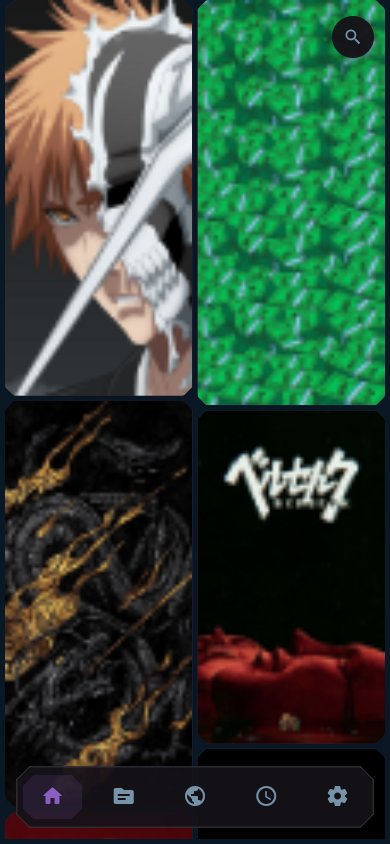
A dense, good-looking grid of real wallpapers on desktop and mobile.


The editor: canvas, layer controls and effects in one place.

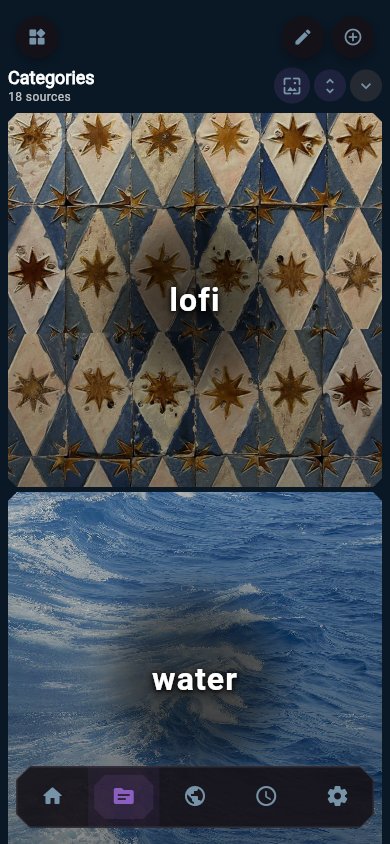
18 community packs (lofi, water, vaporwave, space...) streaming straight from their URLs.

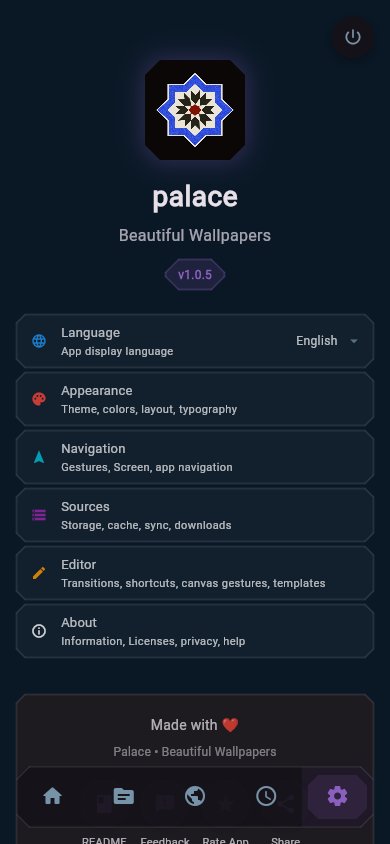
Light or deep-sea dark, nine accent colours, Material You dynamic color.
Eight styles, one photo
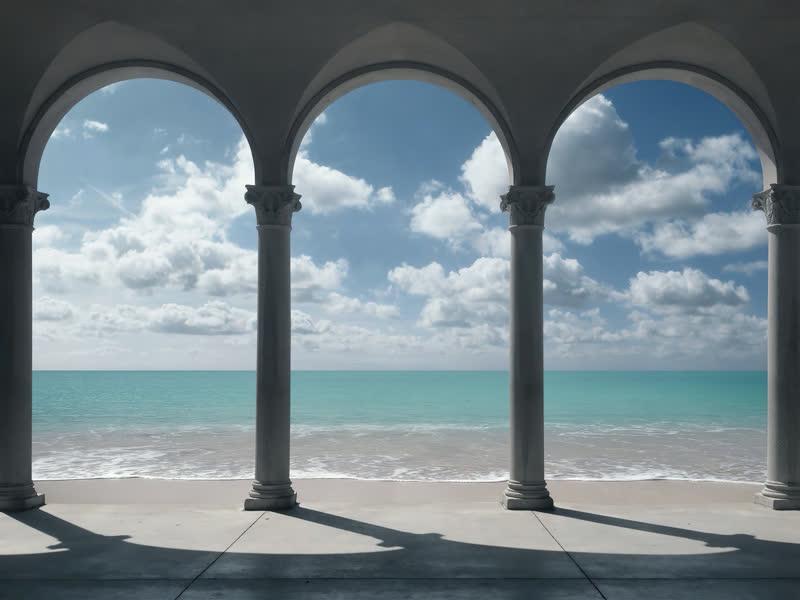
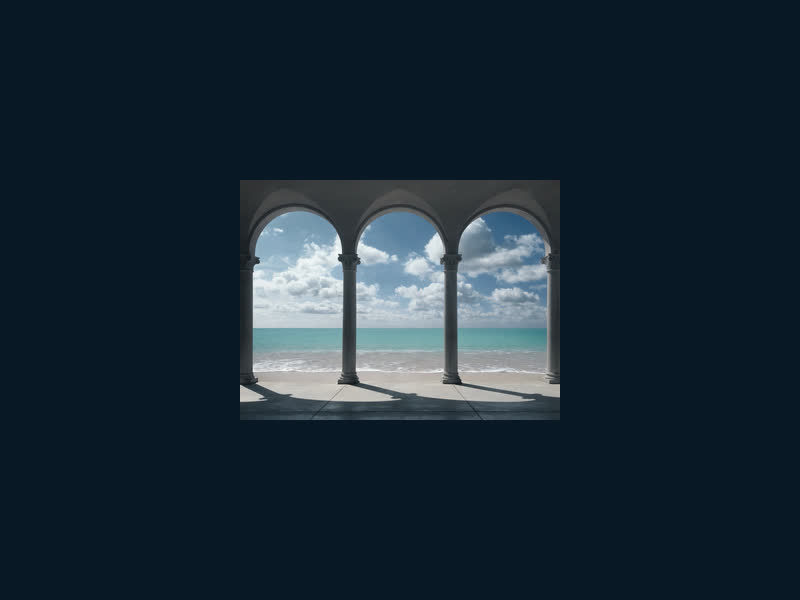
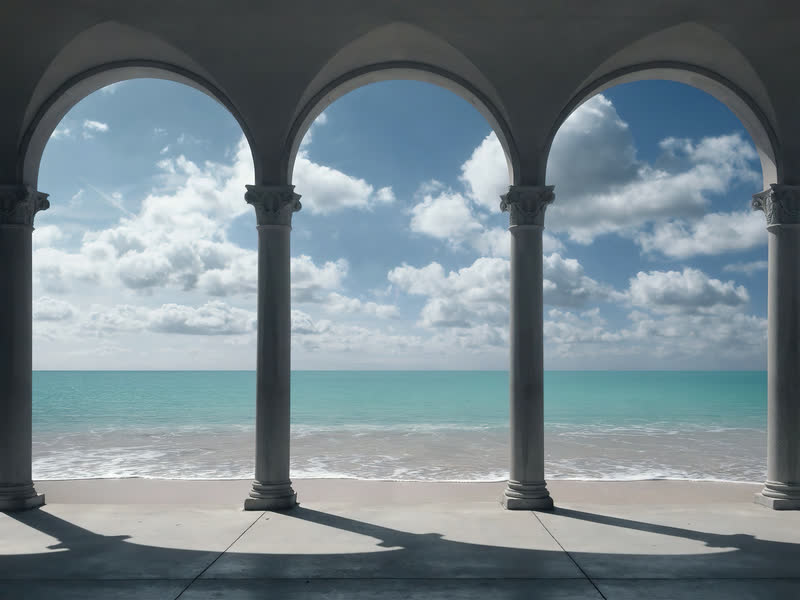
Real editor configurations applied to the same arcade photograph that is sitting behind this page. Hover a card for its recipe.
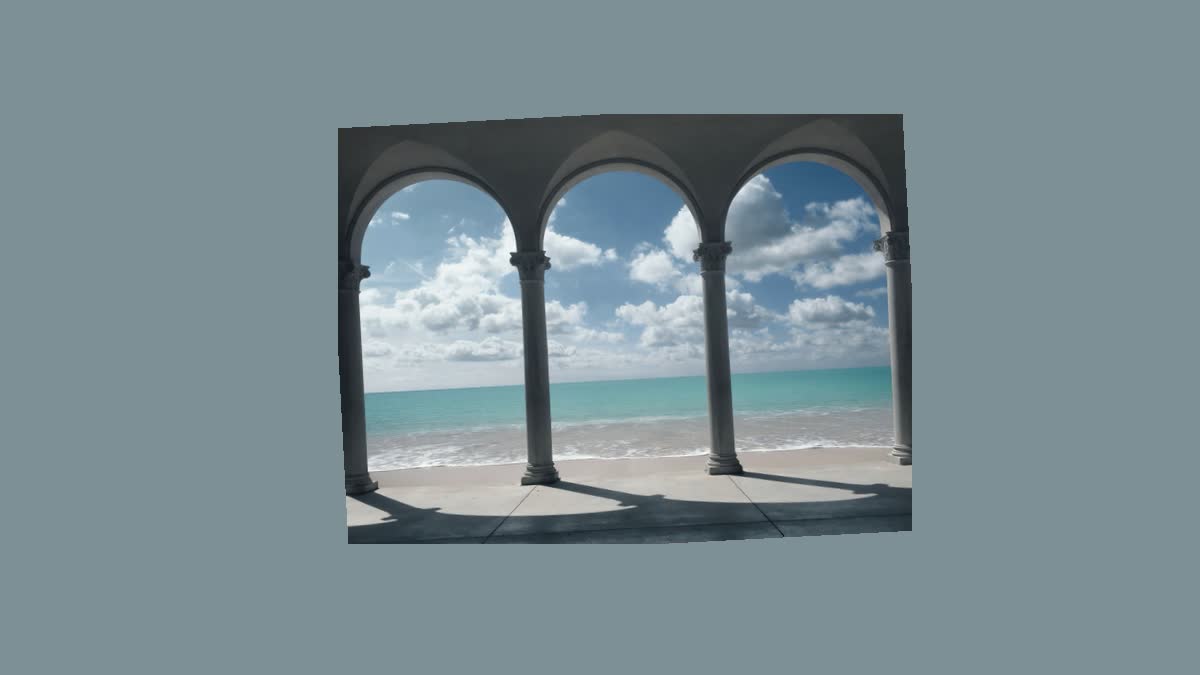
Gallery card
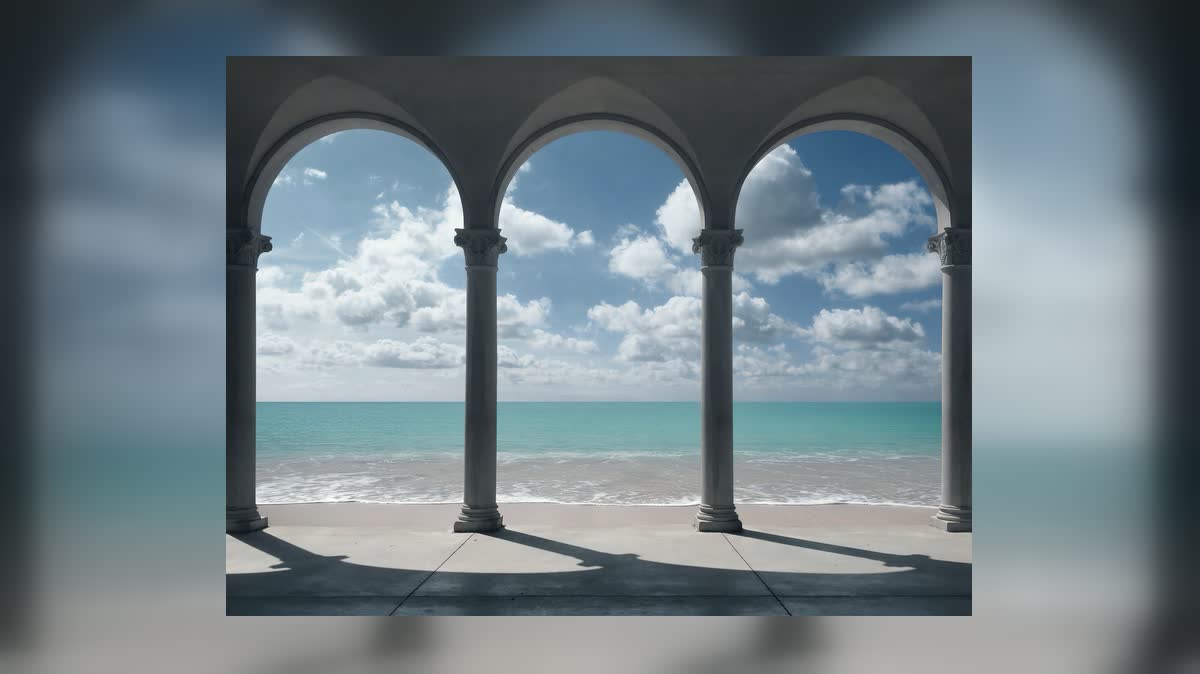
Ambient mirror
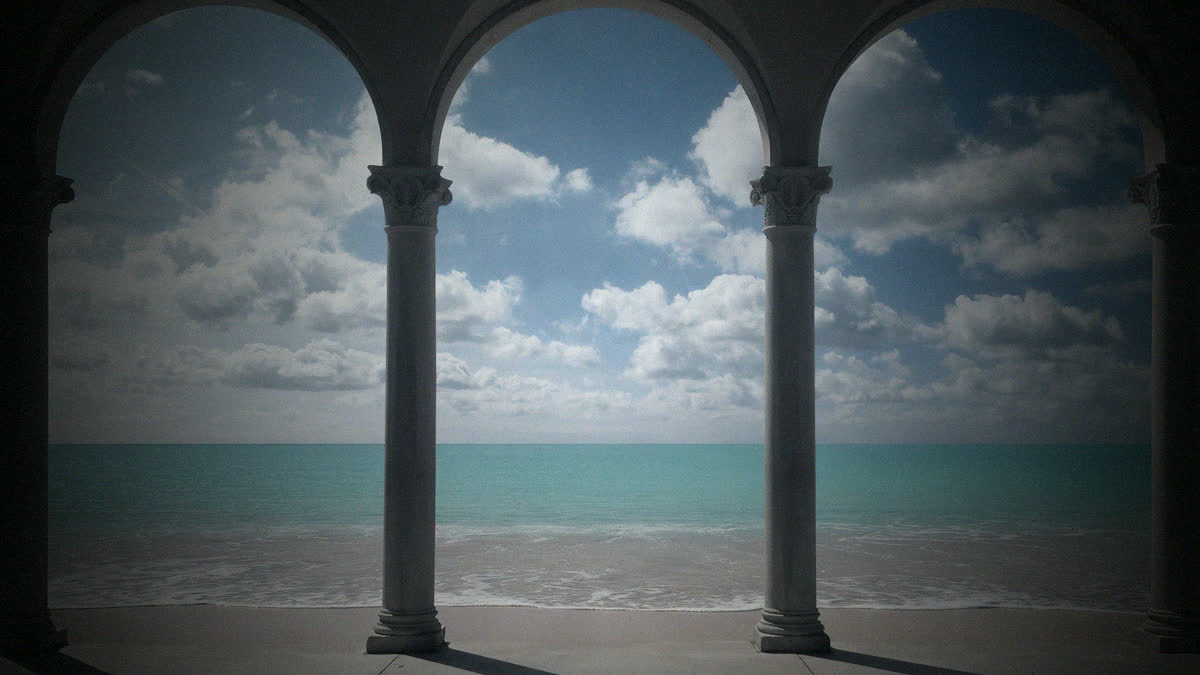
Cinema full-bleed
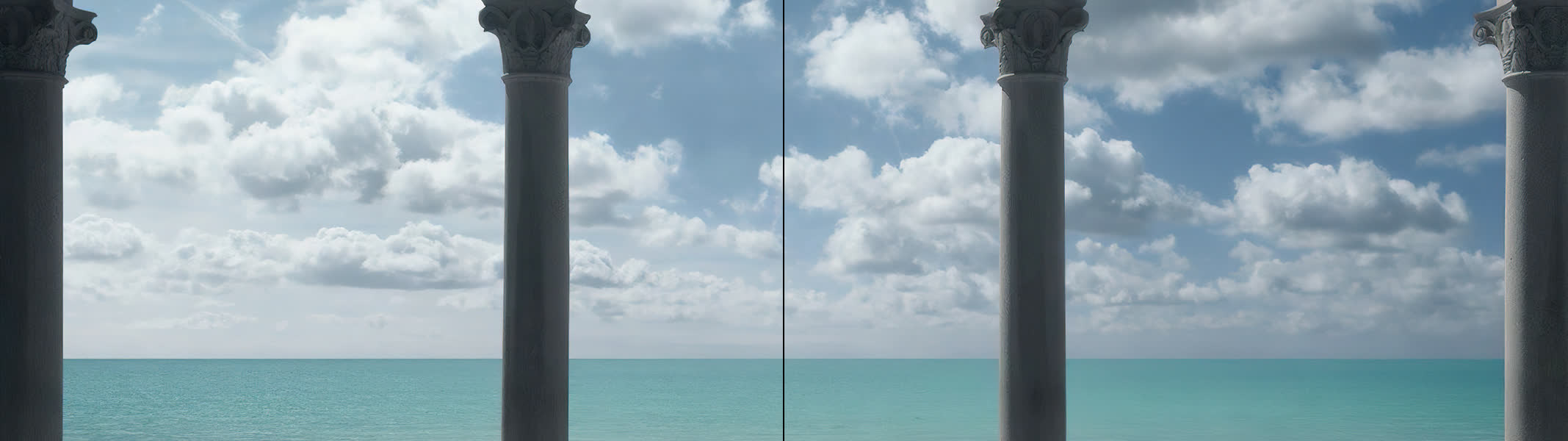
Dual-display span
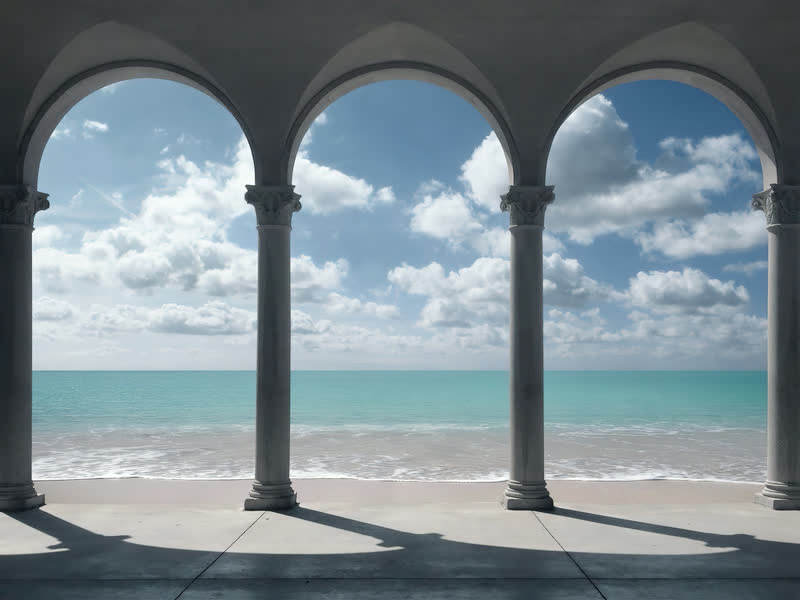
Warm sepia
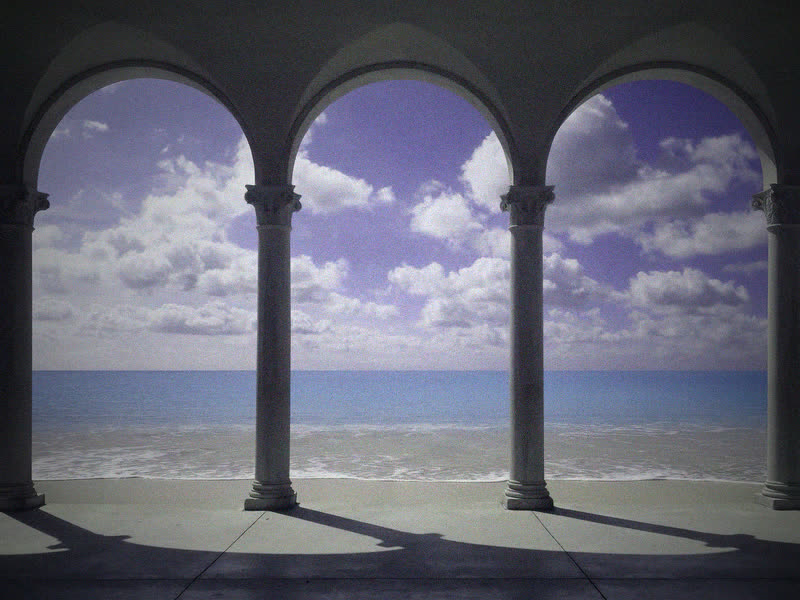
Golden hour
Frosted glass
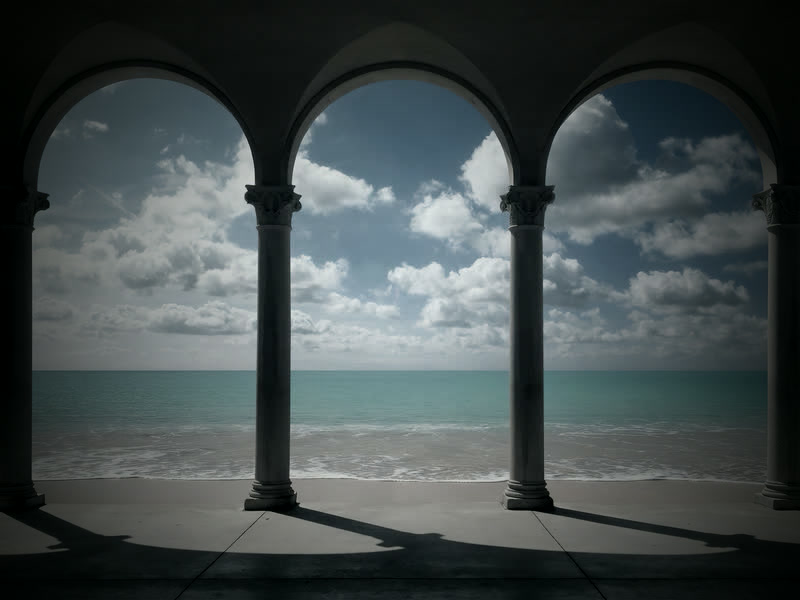
Film noir
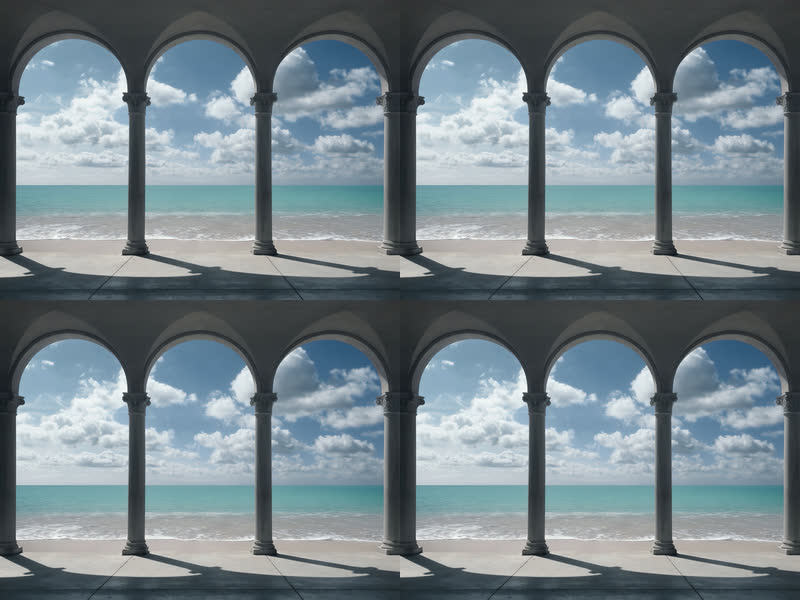
Every card is a starting point — blur, sepia, kaleidoscope, hue, grain and the rest of the effect stack layer on top of any config.
One library, every target
Each display and each mobile space is its own target slot. Give every one its own style, its own rotation, or run them all in sync.
Two displays, one rotation tick: both screens just changed together, each keeping its own style.
Mobile spaces
Home screen and lock screen are separate target slots on Android and iOS. Style them differently, rotate them on different schedules, or bind them to the same queue.
Set it and forget it
The automation engine rotates everything for you — on a schedule, per target, with tray and notification controls when it does.
Auto-rotate
Sequential or shuffle rotation, from 5 seconds to hours. Pauses itself during full-screen games and movies.
Run as many independent timers as you have targets — each with its own queue, interval and mode.
System tray
Desktop builds live in the tray. Full control without opening the main window.
 Palace
Running
Palace
Running
 13 / 218
Notifications
Optional Android notifications announce every rotation — with the new wallpaper right in the shade.
Why Palace is better
Everything you want from a wallpaper app, without the trade-offs.
| Feature | Palace | Built-in | Free apps | Paid apps |
|---|---|---|---|---|
| Cross-platform | Limited | |||
| Multi-media support (network & local) | Limited | Limited | ||
| Auto-rotate wallpapers | ||||
| No advertisement |
Get Palace now — one purchase, every platform.
Download now
What is Palace?
Palace is your personal media manager and wallpaper engine — powerful organisation meets beautiful automation. Transform your screen into an inspiring, ever-changing space.
- Organise media into personalised collections with a customisable interface
- Multi-media (network and local) support on all platforms
- Available on Windows, macOS, Linux, Android and iOS
Frequently asked questions
Everything you need to know about Palace.
Why should I pay for Palace when there are free alternatives?
Can I use Palace on multiple devices with one purchase?
Does Palace store my wallpapers on the cloud?
How often are updates released?
What payment methods do you accept?
Can I get a refund?
Still have questions?
Contact supportAbout Palace
Palace is a premium wallpaper management application. We are focused on creating the best possible user experience with professional-grade features and beautiful design.
Why not open source right now?
Palace is currently closed source. We are dedicated to protecting the quality of the codebase and user experience. In the future we may make Palace open source, but for now keeping it closed lets us maintain the highest standards.
Your $4 one-time purchase directly supports continued development, improvements and customer support.